# Deploy the dashboard on Cloudflare Pages

> Build the dashboard from the Coop release and upload it directly to Cloudflare Pages.


<a class="provider-action" data-provider="cloudflare" href="https://dash.cloudflare.com/?to=%2F%3Aaccount%2Fworkers-and-pages">Set up Cloudflare Pages <span aria-hidden="true">↗</span></a>

This path uploads the built dashboard from the extracted Coop release folder. It does not require a GitHub repository and it creates a Cloudflare Pages project, not a Worker.

## Build with the production values

From the extracted Coop release folder, create `apps/dashboard/.env.production.local` with:

| Variable | Value |
| --- | --- |
| `VITE_CLERK_PUBLISHABLE_KEY` | Clerk's production publishable key |
| `VITE_API_BASE_URL` | The public HTTPS API origin, with no path or trailing slash |

These values are public browser configuration, but they must still be correct. Never add database, encryption, S3, Redis, or Clerk secret values to this file.

Build the dashboard:

```sh
cd apps/dashboard
npm ci
npm run build
```

## Create and deploy the Pages project

Authenticate, create the Pages project, and upload `dist`:

```sh
npx wrangler@latest login
npx wrangler@latest pages project create coop-dashboard --production-branch=main
npx wrangler@latest pages deploy dist --project-name=coop-dashboard --branch=main
```

Cloudflare Pages copies the checked-in `public/_redirects` rule into `dist`. That rule returns `index.html` for dashboard routes such as `/settings` instead of a host 404 page.

<div class="callout"><strong>Direct Upload is deliberate</strong><p>This Pages project receives the built dashboard files directly. Cloudflare does not let a Direct Upload project switch to Git integration later. Create a separate Git-integrated Pages project if your company later places the code in its own Git provider.</p></div>

## Verify routes and origin

Open `/settings` directly on the `pages.dev` or custom domain. Then add that exact origin to `CLERK_ALLOWED_DASHBOARD_ORIGINS` on the API and redeploy the API.

<figure class="doc-figure">
  <img src="/screenshots/dashboard-inbox.png" alt="Coop dashboard inbox showing a conversation and team messages" width="1440" height="1000" loading="lazy">
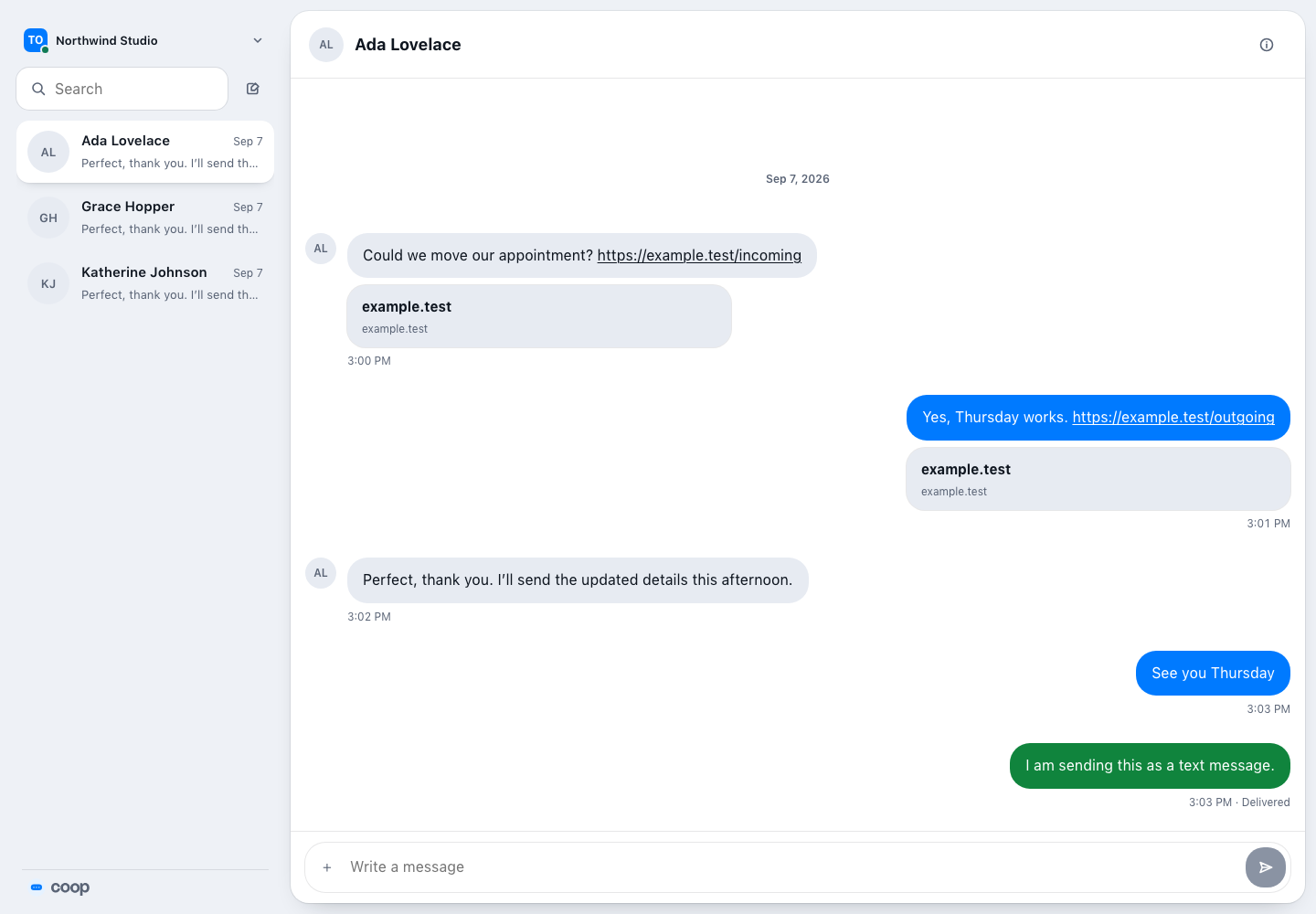
  <figcaption>A working Pages deployment loads the full inbox after sign-in. The workspace, conversations, and message panel should appear without a Pages error.</figcaption>
</figure>

Official references: [Cloudflare Pages Direct Upload](https://developers.cloudflare.com/pages/get-started/direct-upload/), [Vite build settings](https://developers.cloudflare.com/pages/configuration/build-configuration/), and [Pages redirects](https://developers.cloudflare.com/pages/configuration/redirects/).

