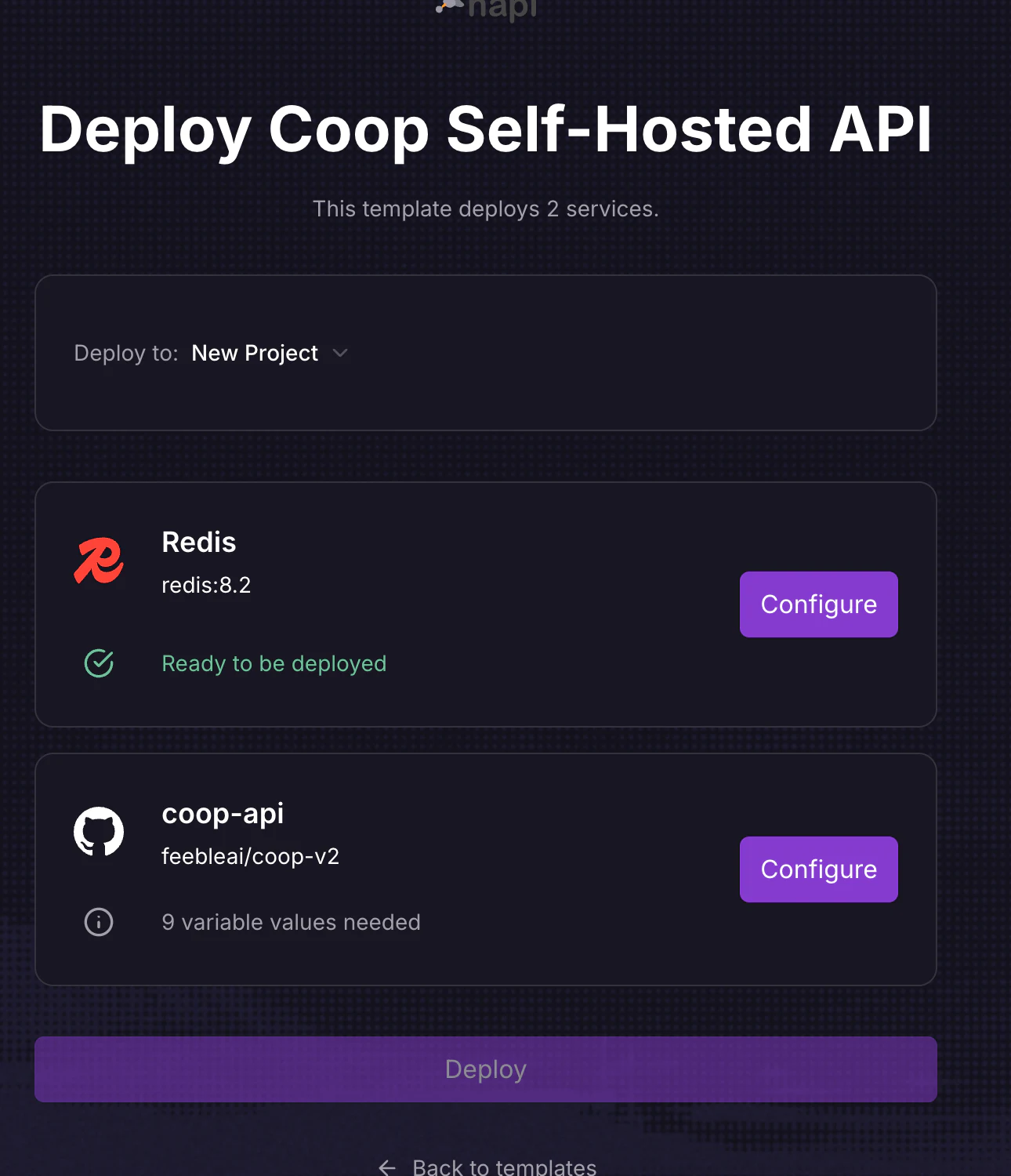
Choose one pathUse the button for the shortest setup. Use the manual source-upload steps below when company policy requires deploying from the local release folder.
## Manual source upload
## 1. Create the project and Redis
Create a new Railway project. Add a Redis service from Railway's service catalog. Keep Redis private. Copy its private `REDIS_URL` reference into the API service rather than exposing Redis to the internet.
Coop stores an encrypted, rebuildable search projection in Redis. Prefer a no-eviction policy when the provider exposes it. Backups are optional for this derived data, but silent eviction can make search incomplete until a rebuild.
## 2. Install and authenticate the Railway CLI
Follow Railway's CLI installation guide, then sign in:
```sh
railway login
```
## 3. Create the API service from the release folder
From the extracted Coop release folder:
```sh
cd apps/api
railway init
```
Choose the project that contains the Redis service and create a service named `coop-api`. The included `railway.json` selects the Dockerfile, runs `/migrate up` before deployment, starts `/api`, and checks `GET /health`. Do not set `HTTP_ADDR`; Railway injects `PORT` and Coop binds it on all interfaces.
## 4. Set the environment
Add every variable in the [configuration reference](/reference/configuration/). Use Railway reference variables for Redis when possible. Enter secrets directly in Railway, not in Git.
Set `CLERK_ALLOWED_DASHBOARD_ORIGINS` to the final dashboard origin. If you do not know it yet, use the first Vercel or Cloudflare production URL and update it after adding a custom domain.
## 5. Upload the API
From `apps/api`, run:
```sh
railway up
```
Railway uploads the local API source. It does not need a GitHub repository.
## 6. Generate a public API domain
Enable Railway HTTP networking for the API service. Record the generated HTTPS origin. Do not include `/health` or a trailing slash when using it as `VITE_API_BASE_URL`.
## 7. Run the no-write preflight
Before trusting the deployment, open a one-off command on the API service and run:
```sh
/preflight --check-storage
```
This resolves configuration, validates the database URL, and confirms that the existing object-storage bucket is reachable. It does not create tables, buckets, or objects. The normal pre-deploy migration then creates or upgrades database tables.
## 8. Verify health
Open:
```text
https://